10+ Best Cloud-Based Accounting Platform in 2026
TL;DR:
- Cloud-based accounting platforms handle everything from invoicing and tax compliance to reporting and even multi-entity accounting.
- This guide covers 11 of the top cloud accounting platforms in 2026: Osfin, Zoho Books, HostBooks, QuickBooks Online, Xero, and more.
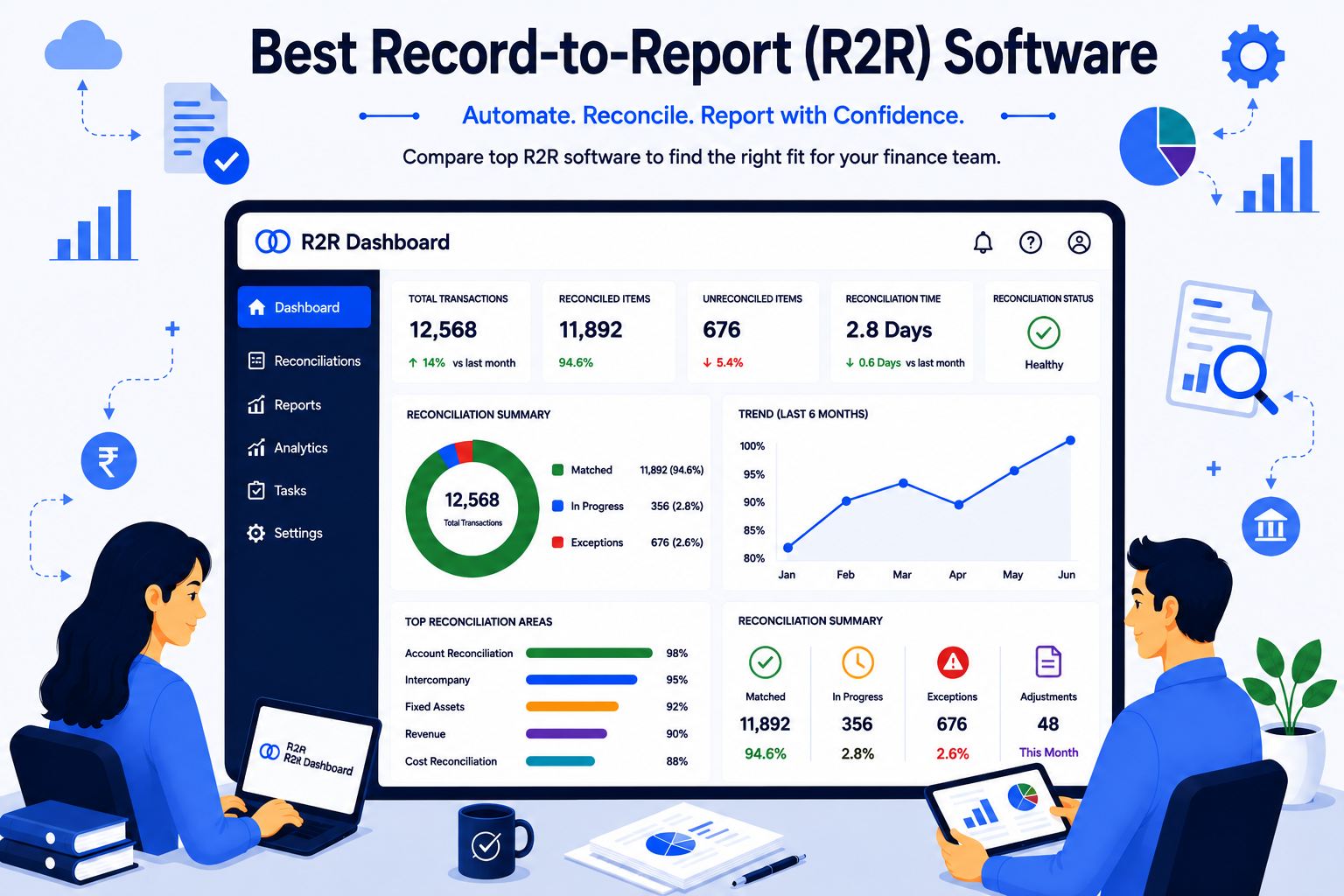
- For businesses dealing with high transaction volumes and complex reconciliations, Osfin is worth considering. It automates the full reconciliation cycle from data ingestion to compliance-ready output.
One Google search will give you endless options of cloud-based accounting platforms, all claiming to be the best. All claiming to do the same things - invoicing, reconciliations, compliance, the list goes on.
But those are just the basics.
Can the platform scale with your business?
Do the integrations work well with your existing tools?
Will the price still make sense as your team grows?
These are important questions you should ask before investing in a cloud accounting platform.
That's what this guide is for. It breaks down the best cloud-based accounting platform in 2026: what each one is actually best for, and how to figure out which fits your business.
How We Evaluate Cloud-Based Accounting Platform

Picking the right cloud accounting platform can be confusing. What works perfectly for one team might not work as well for another.
So, we looked at what actually matters when finance teams sit down to work every day. We've evaluated these tools based on three core areas:
- Does it have the features you will actually need?
- Does it fit well into your existing workflow?
- What feedback have real users given?
Why Enterprises Are Rethinking Cloud Accounting in 2026
Gone are the days when accounting was just about basic bookkeeping. In 2026, businesses are relying on cloud-based tools to handle everything - from invoicing and expenses to taxes and reporting - in one place.
A few things are driving this shift:
- Real-time collaboration.
- Automation that reduces manual work and mistakes.
- Built-in AI capabilities.
Another big advantage is scalability. You can start small and grow over time without needing to switch platforms every few years.
Comparison Table
10+ Best Cloud-Based Accounting Platform in 2026
After carefully reviewing the features, integrations, and customer reviews, we’ve narrowed our list of the best cloud-based accounting platforms for small businesses:
1. Osfin
Osfin is made for businesses that deal with heavy transaction volumes and complicated financial workflows. Instead of using multiple tools, it lets you manage data, reconciliations, and issue resolution in one place.
Key features:
- Data Ingestion: Osfin pulls in data from 170+ sources and works with whatever file format you're using. No reformatting needed. It also filters out poor-quality data and flags duplicates or unusual entries early.
- Reconciliation: Osfin uses logic-based matching for different transaction types. It handles large volumes quickly and automatically breaks down payment data into commissions, taxes, and fees.
- Exception Handling: When a transaction doesn't match, Osfin doesn't just flag it and move on. It assigns a reason to the exception and routes it to the right person through its ticketing engine.
- Output: Every completed reconciliation comes with a compliance report and a full transaction history. Your data is secured with role-based access, approval workflows, two-factor authentication, and 256-bit encryption. Osfin also complies with SOC 2, PCI DSS, ISO 27001, and GDPR.
{{banner1}}
2. Zoho Books
Zoho Books is an easy-to-use accounting platform for businesses of all sizes. It combines expense tracking, invoicing, compliance, and reporting in one place.
Key features:
- Built-in AI that automates routine tasks.
- GST 2.0 compliant.
- Real-time collaboration without version conflicts.
- Customizable reporting that reflects what your business actually needs to track.
3. QuickBooks Online
QuickBooks Online is Intuit's cloud-based accounting platform. It is also one of the more well-known names in the space. It handles accounts payable and receivable, bank reconciliation, financial reporting, and tax support without requiring you to use multiple tools.
Key features:
- Multi-currency support.
- Seamless integrations.
- Simplifies taxation with organized data and exports.
- Flexible monthly or yearly plans.
4. Xero
Xero is a cloud accounting platform that covers the day-to-day financial work most small and medium businesses deal with. This includes invoices, bills, bank reconciliation, expenses, and project costs.
Key features:
- Add your whole team and external advisors without paying per seat.
- Syncs directly with banks.
- Track project costs and profitability.
- Easy access through the mobile app.
5. HostBooks
HostBooks is made for the Indian market, covering all the basics from bookkeeping and invoicing to tax compliance and reporting. It also keeps up with changing tax laws, so you don’t have to.
Key features:
- Comes with built-in GST and tax compliance.
- Handles bookkeeping, invoicing, and financial reporting.
- Automates workflows to reduce manual work.
- Cloud-based architecture lets you work from anywhere.
6. NetSuite
NetSuite is a cloud-based finance platform for medium to large businesses. It goes beyond standard accounting by combining ERP capabilities into a single system. This means you can manage finance, CRM, inventory, and e-commerce, all under one roof.
Key features:
- Brings finance, CRM, inventory, and e-commerce in one platform.
- Supports general ledger, AP, AR, and tax management with AI.
- Designed to handle the accounting demands of medium to large businesses.
- Plans are tailored to business needs.
7. FreshBooks
FreshBooks is an easy-to-use platform for freelancers and small businesses. You don’t need to have an accounting background to use it. You can use it to send professional invoices, collect payments online, and turn tracked time into billable amounts.
Key features:
- Customizable invoices with built-in payments.
- Tracks billable hours and converts them into invoices.
- Monitors expenses and generates profit and loss reports.
- Handles invoicing and financial management from your phone.
8. Sage Intacct
Sage Intacct is the only platform that is endorsed by the American Institute of Certified Public Accountants (AICPA). It handles multi-entity accounting, automates key processes, and uses AI to catch errors early. Plus, it’s designed with strong security and compliance.
Key features:
- Manages eliminations, revenue recognition, and allocations across entities.
- Flags errors automatically.
- HIPAA-compliant.
- The only cloud accounting platform officially endorsed by the AICPA.
9. Neat
Neat is a solid choice for businesses that deal with a high volume of receipts and expenses every month. It can handle balance sheets, cash flow statements, profit and loss statements, and transaction reports.
Key features:
- Monitors expenses across the business without requiring manual data entry at every step.
- Teams can share financial documents and work together without switching to a separate tool.
- Built-in encryption keeps financial data protected.
- Help is accessible directly through the platform when you need it.
10. Wave Accounting
Wave Accounting is a free tool that’s popular with freelancers and small teams. It handles everyday tasks like invoicing, expense tracking, bank syncing, and reporting. It also supports multiple currencies and allows unlimited users.
Key features:
- Invoicing, expense tracking, and reports at no cost.
- Automatically syncs with your bank.
- Capture and organize expenses without manual entry.
- No per-seat charges.
11. Kashoo
Kashoo is an easy-to-set-up accounting tool designed for small teams and freelancers. It helps manage invoices, recurring billing, expenses, bank reconciliation, and taxes.
Key features:
- Supports recurring billing and invoice management.
- Automated bank imports keep your accounts up to date with minimal manual work.
- Financial and tax reports are available without having to dig around for data.
- Manage everything on the go with a mobile app.
Benefits of Cloud-Based Accounting Platform
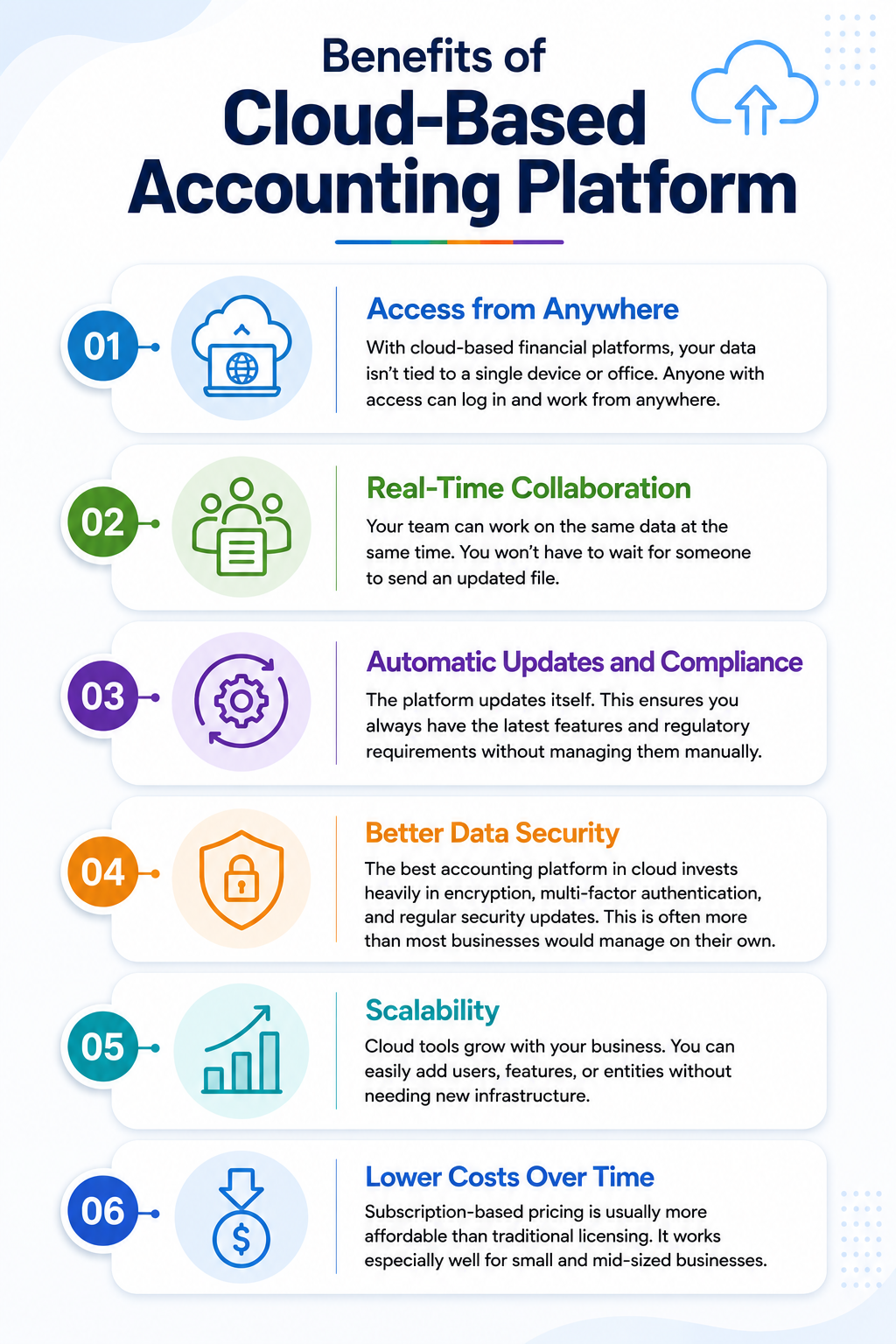
Switching to cloud-based accounting offers a host of benefits for your team:
1. Access from Anywhere
With cloud-based financial platforms, your data isn’t tied to a single device or office. Anyone with access can log in and work from anywhere.
2. Real-Time Collaboration
Your team can work on the same data at the same time. You won’t have to wait for someone to send an updated file.
3. Automatic Updates and Compliance
The platform updates itself. This ensures you always have the latest features and regulatory requirements without managing them manually.
4. Better Data Security
The best accounting platform in cloud invests heavily in encryption, multi-factor authentication, and regular security updates. This is often more than most businesses would manage on their own.
5. Scalability
Cloud tools grow with your business. You can easily add users, features, or entities without needing new infrastructure.
6. Lower Costs Over Time
Subscription-based pricing is usually more affordable than traditional licensing. It works especially well for small and mid-sized businesses.
How to Choose the Right Cloud Accounting Platform?
There’s no single best cloud accounting tool for everyone. The right option depends on your business needs. Here’s what to keep in mind:
- Features that Match Your Workflow
Choose a platform that covers your current needs like invoicing, expense tracking, bank reconciliation, and reporting. Don't pay for complexity you won't use.
- Room to Grow
The best platforms scale with you. It shouldn’t slow you down as your team or transaction volume increases.
- Accurate, Accessible Data
Your accounting platform is only valuable when the data is accurate. Keep your financials up to date and easy to access whenever needed.
How Osfin.ai Enhances Your Accounting Stack
Most cloud accounting tools do a good job with the basics. But what about when you're dealing with high volumes, complex reconciliations, and too many exceptions?
That's where Osfin fits in. It automates the parts of financial operations that typically slow you down:
- Data ingestion
Pulls in data from 170+ integrations across multiple sources and formats. It also filters out poor-quality data and catches duplicates.
- Reconciliation
Logic-based matching handles complex transaction types and processes 30 million records in 15 minutes.
- Exception handling
Flags unmatched transactions, assigns reasons, and routes them to the right person automatically.
- Compliance-ready output
Every reconciliation produces an audit-ready report. Osfin also complies with SOC 2, PCI DSS, ISO 27001, and GDPR.
The Future of Cloud Accounting: Integrated but Layered
Many emerging technologies are shaping the future of cloud accounting platform:
- AI and Machine Learning
AI is moving beyond simple automation. It's being used to detect patterns in large volumes of financial data, flag anomalies, and handle reconciliations and reporting with far less manual input.
- IoT Integration
IoT-enabled devices allow businesses to capture real-time financial data from production, inventory, and sales systems.
- Blockchain
An immutable transaction ledger makes financial records harder to manipulate.
- Business Intelligence
Analytics tools built into accounting platforms are giving finance teams better visibility into forecasting, market trends, and customer behavior.
Conclusion
The right cloud accounting platform will look different for every business. A freelancer won’t need the same setup as a mid-sized finance team or a fast-growing company handling thousands of transactions.
The tools in this guide cover that full range. The key is knowing where your business sits today and where it's headed.
If you're dealing with high transaction volumes, complex reconciliations, or exceptions that are slowing down your accounting close, Osfin is worth a closer look.
Book a demo and see how it fits into your existing stack.
FAQs
1. Which cloud platform is best for small businesses?
Osfin is one of the best cloud platforms for small businesses. It automates the full reconciliation process end to end, so your team spends less time on manual tasks and more time on what matters.
2. Is Zoho free for small businesses?
Yes. Zoho offers a free plan across several tools. These include Zoho CRM, Zoho Invoice, and Zoho Books.
3. What should you consider when selecting a cloud accounting platform for a small business?
The right cloud accounting platform for small businesses should cover all the features you actually need. It should also be scalable, easy to use, and integrate well with the tools you're already using.