Top 10 Reconciliation Software & Tools in 2026
Some reconciliation automation software doesn’t fix the manual bottleneck. They just make bad processes run faster. Dashboards flash green, yet no one can explain why balances don’t line up. Reports stall. Discrepancies hide beneath rigid rules that don’t learn or adapt, and cash positions drift.
With broken automation and manual processes, teams chase noise instead of insight, and confidence in the numbers quietly erodes.
This guide breaks down the top reconciliation automation tools of 2026, discussing the platforms built not just to crunch data faster, but to make every number traceable, trusted, and real.
What are Reconciliation Automation Tools?
Reconciliation automation tools are digital solutions that automate the most error-prone and tedious tasks of reconciling, like matching and verifying transactions or records from multiple banks and ledgers. Modern tools use AI and machine learning to understand data and handle deviations in formats on their own, bringing more reliability, control, and speed to the entire process.
So by turning reconciliation into a continuous, transparent process, these platforms transform finance operations from reactive troubleshooting to proactive oversight, which is where every balance, across every system, can be verified in real time.
Here are some key features of the reconciliation tool:
1. Seamless data integration
Integrations aren’t an add-on; they are necessary. If the software can’t talk to your data, it won’t be able to crunch any numbers either. The best platforms plug straight into the systems where your financial data lives, like ERPs, core banking systems, payment gateways, and accounting tools, to speak to all of them. No more CSV uploads at midnight. No more half-matched balances. Just one clean, connected stream of truth flowing through your books.
2. Intelligent matching engine
Matching isn’t just comparing exact patterns with a set of rules, but it’s about having the flexibility to identify one-to-one, one-to-many, and approximate matches based on attributes like date, description, and reference. Naturally, the outcome is more homogeneous, without many breaks, speed bumps, or errors.
3. Exception management and resolution
Not every break is bad. Some just need context. Good automation doesn’t bury exceptions, but it prioritizes them. It knows which breaks are worth chasing and which can wait. Each flagged item lands with its history, reasoning, and next step, so your team can fix, not fish.
How Does Automated Account Reconciliation Software Work?
Automated account reconciliation tools work by first plugging into your systems so they can access the financial data, then standardizing data sets automatically, and then matching transactions with the help of AI-powered dynamic rules. In the case of discrepancies, the AI flags anomalies in real-time and launches remediation workflows. The process ensures every financial record across banks, ledgers, and payment platforms aligns accurately without manual effort.
To simplify, here are the steps that make any automated account reconciliation software work:
- Data collection: The software plugs into your systems to access bank statements, ledgers, and other payment-related information like salaries.
- Data preprocessing: Then it standardizes different varieties of data sets into one consistent format so they can be worked with accuracy.
- Automated and AI-powered matching: Hard-coded rules are static, AI rules are flexible and change as per the context of the data and source. AI can automatically match transactions between two non-homogeneous sources. It all pivots on criteria, such as invoice numbers, dates, or amounts.
- Exception handling: Some discrepancies can’t be handled by the software, so these are marked as exceptions to call for a human in the loop for remediation.
- Reporting: This is the most crucial part of the reconciliation. documenting everything and presenting detailed reports that show all the matches and transactions.
Top 10 Reconciliation Automation Tools

Selecting the right auto reconciliation software is crucial for enhancing your finance team's efficiency and accuracy. Here's a list of the top 10 reconciliation tools, each offering unique features to cater to various business needs.
1. Osfin.ai
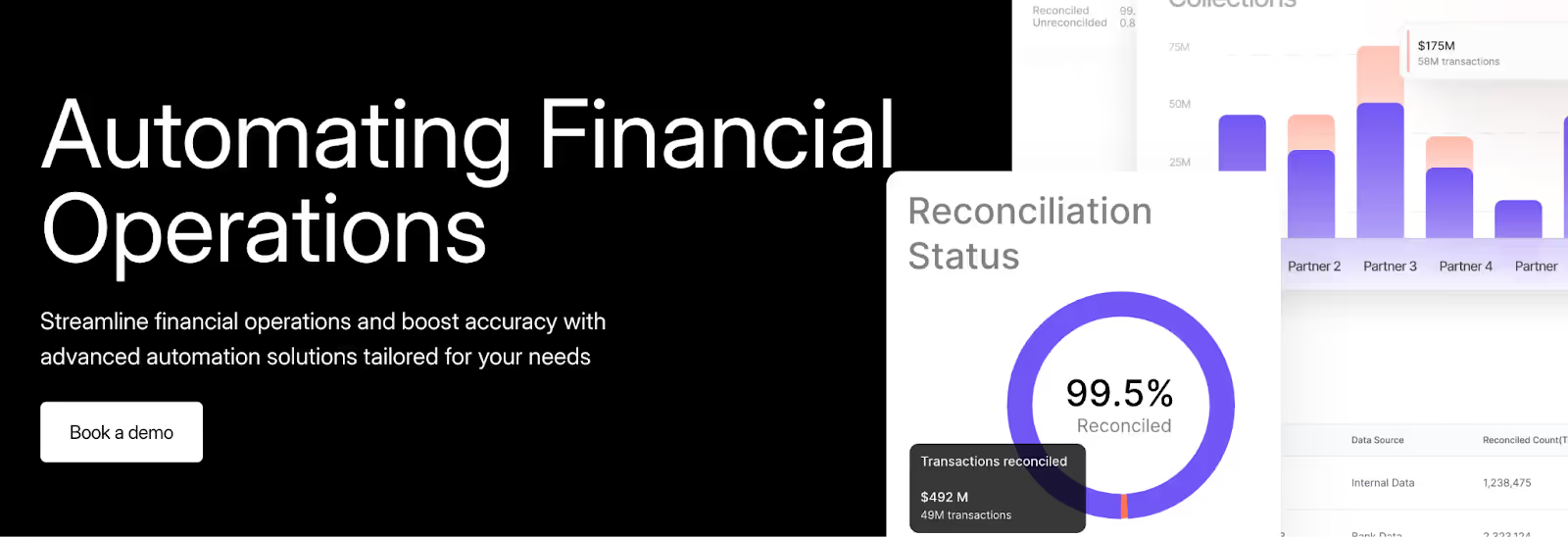
Finance teams in banks and fintechs are drowning in transaction noise. Millions of records flow through gateways, banks, ERPs, and internal systems, each in a different format, each changing faster than rules can keep up. As a result, manual matching isn’t just slow anymore; it’s unworkable.
Osfin.ai turns that chaos into control. It processes millions of entries in minutes, reconciles across any number of sources, and adapts to your business logic without complex IT lifts. It isn’t just faster automation, it’s automated reconciliation that thinks, understands context, and responds dynamically.
Here are a few advantages that really matter:
1. Speed and scale you can measure
Osfin reconciles a million records in roughly 20 minutes. That means what used to be a month-end fire drill can now run continuously. Banks can use it to process ACH flows, deposits, loan portfolios, and payment settlements in near real time.
2. True intelligence
Rule-based automation breaks when the data changes. Osfin can handle it without even breaking a sweat. Its AI engine learns from every reconciliation cycle and gets better at identifying recurring vendor delays, rounding quirks, and timing patterns. Over time, it improves matching accuracy autonomously, cutting false exceptions and raising auto-match rates to near-perfect.
3. Integration without friction
The system connects to over 170 financial data sources across ERPs, banks, payment gateways, accounting platforms, and even PDFs and CSVs. It ingests every format natively, cleans and standardizes the data automatically, and reconciles it without middleware or manual prep.
4. Designed for Real-World Complexity
Osfin natively supports multi-way reconciliation, aligning transactions across three, four, or more systems simultaneously. Whether you’re verifying internal records against both processor and bank reports or handling intercompany settlements across currencies, the platform scales without custom development.
5. Continuous visibility and control
Reconciliation shouldn’t end with a report. Osfin’s real-time dashboards give CFOs and controllers a live view of every exception, status, and cash position. This fuels confident decisions made on current numbers, not historical snapshots.
Pros
- Processes 1M+ records in about 20 minutes
- 170+ pre-built integrations with financial systems
- AI-driven learning that improves auto-match accuracy over time
- Multi-way reconciliation for complex financial ecosystems
- Real-time dashboards with full audit trails
- Industry-specific workflows for banking, fintech, insurance, retail, and gaming
Key takeaways
Rating
TopAI.tools- 5/5
Pricing
Request a customized quote
What customers say about Osfin
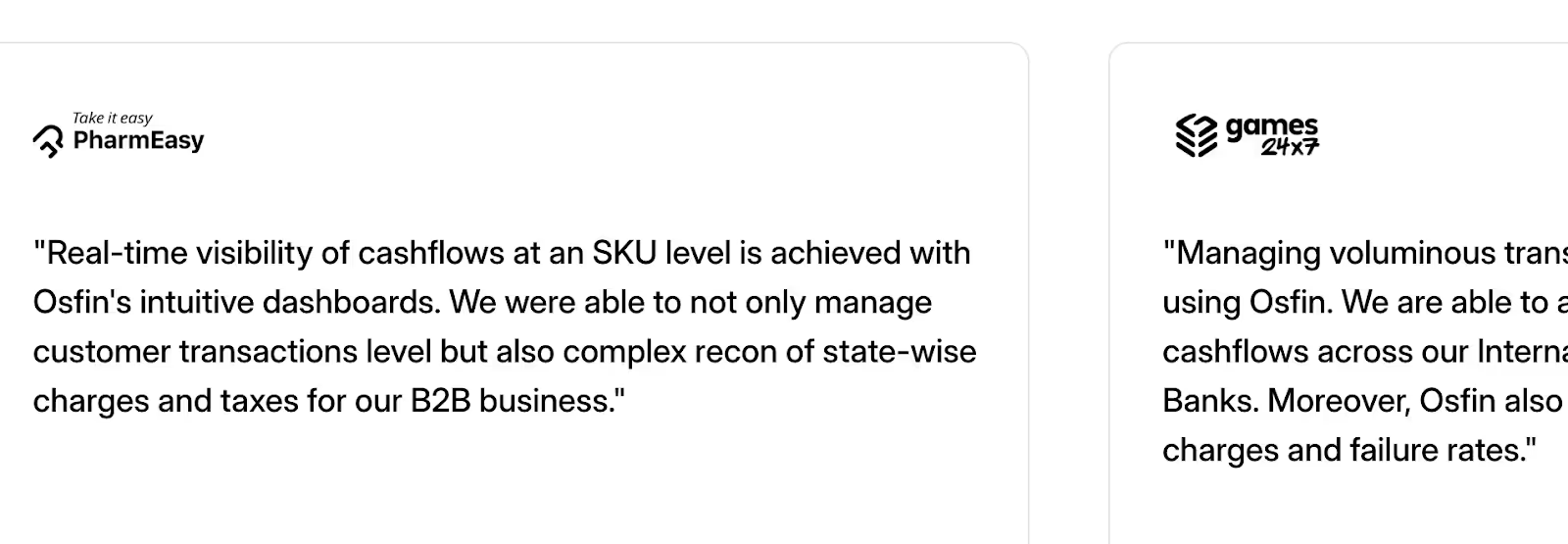
CTA: See why customers vouch for Osfin
2. Xero

Best for: Small business bank reconciliations
Xero is a cloud-based reconciliation automation tool that includes bank reconciliation as part of its suite. It's ideal for small to medium-sized businesses looking for an all-in-one solution.
With an easy-to-use interface, Xero allows you to monitor cash flow, manage invoicing, and reconcile accounts seamlessly from anywhere.
Key Features
- Matches bank transactions with accounting records seamlessly.
- Real-time cash flow visibility for better financial management
- Generates detailed reconciliation reports
- Automates repetitive transactions to save time and minimize errors
Pros
- User-friendly interface
- Automatically import bank feeds for faster reconciliation
- Mobile app
Key takeaways
Cons
- Costly for larger businesses
- Limited integrations for reconciliation
Rating
Capterra- 4.4/5
G2- 4.3/5
Pricing
Xero offers three pricing plans-
- Early at $20/month
- Growing at $47/month
- Established at $80/month
Book a demo
3. FloQast

Best for: Collaborative accounting close and reconciliation
FloQast offers a centralized platform for all reconciliations in one place, facilitating easy access and collaboration. Plus, the tool seamlessly integrates with most ERP platforms, so there is no duplication of efforts.
Key Features
- AI-powered reconciliation
- Real-time insights into reconciliation processes
- Version control for transaction tracking
- Built-in task management features
Pros
- Strong collaboration features
- Integration with ERP and Cloud storage
key takeaways
Cons
- Limited customizations
- Certain modules might take time to navigate
Rating
G2- 4.6/5
Pricing
Customized pricing plans
Book a demo
4. iNymbus

Best for: Companies managing high-volume retail transactions
Featuring an intuitive interface, iNymbus is an automated reconciliation tool that offers an easy way to automate and manage your account reconciliation processes. It is designed for manufacturers, distributors and suppliers, allowing them to streamline their financial workflow.
Key Features
- Manages high-volume transactions efficiently
- Low processing costs
- Helps businesses check claims, manage supporting documents, and file disputes
Pros
- Improves accuracy with automation
- Integration with key ERP systems
Key takeaways
Cons
- Complex initial setup
Rating
Capterra- 4.3/5
Pricing
Contact sales for customized pricing
5. SolveXia

Best for: Automating complex reconciliation processes
SolveXia is an AI-driven platform that automates account reconciliations and enhances team productivity. It offers robust data transformation and enrichment capabilities, allowing you to produce detailed analytics for data such as overlap with rebates and commissions.
The auto reconciliation software offers high-speed processing and reporting for your finance team.
Key Features
- Automates key financial processes, including data processing, reporting, and reconciliation
- Easily scales with customizable workflows
- Complex data matching capabilities
- Robust integrations
Pros
- Automated alerts and notifications for variances
- Detailed audit trails
- Quick deployment
Key takeaways
Cons
- May need some time to set up and configure workflows
Rating
G2- 4.7/5
Pricing
Request a custom quote
Book a demo
6. FIS Global

Best for: AI-driven reconciliation
For businesses looking to achieve efficiency and accuracy in their reconciliation processes, FIS Global is a great auto reconciliation software. With the capability to manage high-volume transactions, the software boosts data accuracy and speeds up reconciliation.
Key Features
- A comprehensive suite of payables, receivables, and revenue optimization tools
- Access to data-driven insights
- Process automation for reduced manual errors
Pros
- Enhanced data integrity
- User-friendly interface
- Compliance with industry regulations
Key takeaways
Cons
- Setup requires technical skills
Rating
Gartner- 4.1/5
Pricing
Customized pricing plans
Book a demo
7. Adra by Trintech

Best for: Streamlined financial reconciliation and close
Trintech's Adra Suite is tailored for mid-sized organizations aiming to automate and standardize close financial processes like account reconciliations, task management, and transaction matching.
The cloud-based platform manages multi-way transactions balance sheet reconciliations, and offers real-time insights into your financial processes.
Key Features
- Real-time analytics
- Seamless integration with most ERPs, including NetSuite and Microsoft Dynamics 365.
- Centralizes financial tasks for complete visibility
Pros
- Real-time analytics and dashboard
- Built-in features for compliance
- Offers high accuracy in financial reports
Key takeaways
Cons
- Limited customizations
Rating
G2- 4.5/5
Pricing
Consult the team for customized pricing
Book a demo
8. Blackline

Best for: Companies of all sizes looking to streamline the reconciliation process
Blackline offers a cloud-based solution focused on automating financial close processes, including account reconciliations. This comprehensive reconciliation automation tool allows teams to achieve higher accuracy and efficiency in their finance process with centralized management, automated transaction matching, and workflow and task management.
It's designed for medium to large enterprises seeking to modernize their accounting operations.
Key Features
- Offers multi-currency and multi-location support
- Access to detailed audit trails
- Configurable workflows to meet your business needs
- Centralizes reconciliation and journaling
Pros
- Enhances compliance and audit readiness
- Workflow management
- Integrates with various ERP systems
Key takeaways
Cons
- Implementation can be time-consuming
- Covers limited reconciliation and transaction
Rating
G2- 4.5/5
Pricing
Pricing is available on request
Book a demo
9. OneStream

Best for: Enterprises looking for a unified financial solution
OneStream is a reconciliation automation tool perfect for organizations looking for a unified financial platform. The tool combines financial reconciliation, consolidation, and reporting into a single AI platform to businesses simplify the financial close.
Key Features
- Highly scalable solution that grows with your business
- AI-driven platform for more accurate financial forecasting
- Strong compliance capabilities
Pros
- Brings your key financial and operational data together
- Robust reporting
- Great customer support
Key takeaways
Cons
- Steep learning curve
Rating
Capterra- 4.8/5
Pricing
Custom pricing plans on request
Book a demo
10. ReconArt

Best for: Automated reconciliation and financial data matching
ReconArt provides a web-based reconciliation platform suitable for organizations across various industries, focusing on automating and streamlining reconciliation processes.
The auto reconciliation software automates bank, credit card, and balance sheet reconciliations, as well as managing exceptions and closing finances to help you achieve efficiency in your financial processes. It is a flexible solution that offers high accuracy.
Key Features
- Seamless integration with ERPs and existing internal systems
- Ability to customize workflows
- Journal entries approval workflow
Pros
- Full automation of reconciliation processes
- Set rules for ongoing transactions to save time
- Import data from multiple sources
Key takeaways
Cons
- Costly for small businesses
- Complex learning for new users
Rating
G2- 3.3/5
Pricing
Customized pricing
Book a demo
Best features to look for in a reconciliation software
The right platform turns reconciliation into a live control, not a month-end chore. Here are a few features you must look for in a reconciliation software:
1. Multi-way matching (N-source)
Your platform should be able to handle multiple data sources in one pass. Modern transactions touch multiple systems like ERPs, payment processors, banks, and ledgers. True multi-way matching connects every record across sources instantly, eliminating duplicate effort and closing gaps that cause delays and errors.
2. AI-assisted matching
Simple rule-based matching can’t cut it. Not every system speaks the same language. So your tools need to match based on adaptive rules and ML for fuzzy, exact, and logic matches. Because when formats change, references drift, intelligence keeps accuracy high without constant rule edits.
3. High-volume speed
Same-day close and intraday cash views depend on throughput, not promises. Look for a tool that can process millions of records in minutes.
4. Format-agnostic ingestion
Your tool should accept multiple formats of data, like CSV, XML, JSON, PDF, EJ, APIs, all of it.
It’s because preparing and transforming data steals hours and minutes away from your team’s time. Native parsing removes the bottleneck.
5. Real-time monitoring
Finance teams need visibility. They need to see transactions, exceptions, and balances as they happen, not at the month's end. Continuous reconciliations do exactly that. It provides the team with live dashboards that turn static reporting into oversight. Teams can use this to remediate issues in real-time and prevent risks from snowballing.
6. Immutable audit trails
Auditability isn’t an afterthought; it’s the backbone of financial integrity. Reconciliation software must automatically record every match, exception, approval, and modification, including timestamps, users, and version rules. When auditors show up, finance doesn’t rush through emails or folders. Each action can be tracked within seconds, demonstrating not just precision but also oversight
7. Deployment flexibility
Banks, insurers, and payment institutions often face strict regulatory and data-residency requirements that dictate where and how financial data is stored. Modern reconciliation platforms need to respect those boundaries. They offer deployment options across public cloud, private VPC, or region-locked environments, so compliance never competes with capability. This way, you get full control over infrastructure, security, and governance, all without sacrificing speed, scalability, or innovation.
Benefits of Automated Reconciliation Software

Manually reconciling transactions is tedious, time-consuming, and prone to costly mistakes. Auto reconciliation software removes these inefficiencies, providing finance teams with the accuracy and speed they need.
Here's how:
1. Higher efficiency
Traditional reconciliation processes can take days if not weeks. Automation reduces this time drastically, as all transactions are recorded and cross-checked with your accounting software within seconds, helping you achieve maximum operational efficiency.
2. Reduced errors
Human error can lead to massive reconciliation discrepancies. AI-powered automation ensures that transactions are matched with the highest accuracy, eliminating discrepancies before they turn into major financial issues.
3. Real-time financial visibility
With automated reconciliation, finance leaders can monitor cash flow and discrepancies as they happen no more waiting for month-end reports to uncover issues. Real-time dashboards provide instant insights, helping COOs make informed decisions faster.
4. Compliance
Manually compiling audit trails can be a complex process, especially if your data is not centralized for easy access. Reconciliation automation tools maintain detailed, timestamped records, making regulatory compliance and audits stress-free.
5. Scales with your business
As transaction volumes increase, manual reconciliation struggles to keep up. Automation allows finance teams to handle thousands (or millions) of transactions effortlessly, ensuring scalability without additional headcount.
What Challenges Does Osfin's Account Reconciliation Software Solve?
Reconciliation is the pressure point of the modern banking and finance industry. Transaction volumes are ever-increasing, and at such scales, even small mismatches and hotfixes compound risks.
The cost isn’t just time, but it’s also accuracy, liquidity, and trust in the numbers leadership depends on.
Osfin.ai was built for this reality, solving the core challenges that make reconciliation one of finance’s most stubborn pain points:
1. Fragmented data across multiple systems.
Bank files, processor reports, and ERP ledgers rarely align in format or timing. Osfin unifies them into one clean data stream ready for instant matching.
2. Volume that outpaces human review.
Millions of transactions overwhelm manual and legacy processes. Osfin processes them in minutes, preserving accuracy even under extreme load.
3. High exception noise.
Most tools flood dashboards with false breaks. Osfin’s AI learns transaction behavior, filtering out noise so teams focus only on genuine discrepancies.
4. Slow month-end close.
Manual reconciliation drags reporting cycles, delaying decisions. Osfin’s continuous matching compresses multi-day closes into hours.
5. Audit and compliance strain.
Documentation hunts and control testing consume weeks. Osfin logs every match, approval, and change automatically, so you’re audit-ready from day one.
6. Hidden revenue leakage
Unreconciled transactions mask real losses. Osfin’s real-time visibility surfaces them immediately, protecting margins and cash position.
Factors to Consider When Implementing Automated Reconciliation Software

Not all reconciliation automation tools will offer you the same features or cover the same solutions you need. The best solution for your business depends on your industry, transaction complexity, and integration needs.
Here are the key factors to evaluate before making a decision:
1. Integration with your existing systems
Your auto reconciliation software should seamlessly connect with your ERP, accounting tools, payment gateways, and banking platforms. This is because a well-integrated system minimizes the need for manual data transfers and reduces the risk of data discrepancies.
Osfin.ai is built to seamlessly integrate with leading ERP and accounting platforms, ensuring that finance teams have a unified, real-time view of all transactions without needing to jump between systems.
2. AI and Machine Learning capabilities
The best reconciliation tools use AI-driven pattern recognition to automatically categorize high-volume transactions, detect anomalies, and flag potential fraud risks.
An AI-driven system can learn your company's transaction patterns over time and quickly spot anything that doesn't match the norm. This proactive detection can prevent costly errors and reduce the risk of fraud, ensuring your financial data remains accurate.
3. Real-time reporting & dashboards
COOs and CFOs need instant access to financial insights. Look for software with customizable dashboards and real-time reporting to track discrepancies and cash flow.
AI tools like Osfin.ai offer intuitive, real-time dashboards that give finance leaders a clear, actionable view of transactions, making reporting and decision-making seamless.
4. Security features
Handling financial data comes with a heavy responsibility. The right reconciliation software should ensure that your data is secure and that your processes comply with regulations such as ISO 27001, SOC 2, PCI-DSS, and GDPR.
Secure platforms reduce the risk of data breaches and protect your organization from costly regulatory fines. Integrating with trusted solutions like Osfin.ai that prioritizes enterprise-grade security and compliance keeps your financial data protected and audit-ready.
5. Ease of use
If your team needs to spend a lot of their time to understand how a tool works, it defeats the purpose of implementing it in the first place. Look for a tool that offers a user-friendly interface and customizable rule-based automation for smooth adoption and minimal learning curves.
6. Pricing
Some reconciliation software solutions charge per transaction, while others have flat-rate pricing. Pricing is an important factor that can determine the value you derive from your tool. So, it is important to consider the long-term costs, including licensing fees, implementation, and training, when choosing an automated bank reconciliation in Excel software.
How Osfin Drives Success with Advanced Reconciliation Software
Not all reconciliation automation tools will offer you the same features or cover the same solutions you need. The best solution for your business depends on your industry, transaction complexity, and integration needs.
Here are the key factors to evaluate before making a decision:
1. Integration with your existing systems
Your auto reconciliation software should seamlessly connect with your ERP, accounting tools, payment gateways, and banking platforms. This is because a well-integrated system minimizes the need for manual data transfers and reduces the risk of data discrepancies.
Osfin.ai is built to seamlessly integrate with leading ERP and accounting platforms, ensuring that finance teams have a unified, real-time view of all transactions without needing to jump between systems.
2. AI and Machine Learning capabilities
The best reconciliation tools use AI-driven pattern recognition to automatically categorize high-volume transactions, detect anomalies, and flag potential fraud risks.
An AI-driven system can learn your company's transaction patterns over time and quickly spot anything that doesn't match the norm. This proactive detection can prevent costly errors and reduce the risk of fraud, ensuring your financial data remains accurate.
3. Real-time reporting & dashboards
COOs and CFOs need instant access to financial insights. Look for software with customizable dashboards and real-time reporting to track discrepancies and cash flow.
AI tools like Osfin.ai offer intuitive, real-time dashboards that give finance leaders a clear, actionable view of transactions, making reporting and decision-making seamless.
4. Security features
Handling financial data comes with a heavy responsibility. The right reconciliation software should ensure that your data is secure and that your processes comply with regulations such as ISO 27001, SOC 2, PCI-DSS, and GDPR.
Secure platforms reduce the risk of data breaches and protect your organization from costly regulatory fines. Integrating with trusted solutions like Osfin.ai that prioritizes enterprise-grade security and compliance keeps your financial data protected and audit-ready.
5. Ease of use
If your team needs to spend a lot of their time to understand how a tool works, it defeats the purpose of implementing it in the first place. Look for a tool that offers a user-friendly interface and customizable rule-based automation for smooth adoption and minimal learning curves.
6. Pricing
Some reconciliation software solutions charge per transaction, while others have flat-rate pricing. Pricing is an important factor that can determine the value you derive from your tool. So, it is important to consider the long-term costs, including licensing fees, implementation, and training, when choosing an automated bank reconciliation in Excel software.
Streamline Reconciliation Processes with Automation
Financial reconciliation can often be a tedious, error-prone task, but not with the right automation software. Since financial close and accounting reconciliation are highly regulated processes, using top reconciliation automation tools can help you bring accuracy and efficiency to these processes while minimizing costly errors.
With a wide range of solutions available, the best choice depends on your business size, transaction volume, and specific needs. For a seamless, scalable, and AI-powered reconciliation experience, Osfin.ai stands out as a game-changer.
Osfin.ai is built for businesses that deal with complex financial operations, providing AI-powered reconciliation that enhances speed, accuracy, and compliance. Designed for finance teams managing high transaction volumes, Osfin.ai reduces manual workload, identifies anomalies instantly, and ensures seamless financial reporting.
With AI-driven automation, the tool instantly matches transactions and flags inconsistencies, and its customizable workflows seamlessly adapt to your business structure and compliance requirements.
{{banner1}}
FAQs on Reconciliation Softwares
1. What is automated reconciliation, and why is it important?
Automated reconciliation uses AI and machine learning to match financial transactions across different systems, ensuring accuracy, reducing human errors, and improving efficiency in financial reporting.
2. Can small businesses benefit from reconciliation software?
Yes, small businesses deal with banking transactions, invoices, and payments that need accurate reconciliation. Automated tools help save time and ensure error-free accounting.
3. How does AI improve reconciliation processes?
AI-driven reconciliation software can identify patterns, detect anomalies, and predict errors before they impact financial reports, significantly reducing fraud risks and compliance issues.
4. How long does it take to implement reconciliation software?
The implementation time varies depending on the tool's features and integrations, but cloud-based solutions like Osfin.ai offer quick setup and seamless integration, allowing businesses to automate their reconciliation processes easily.